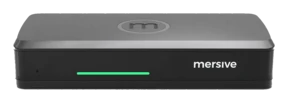
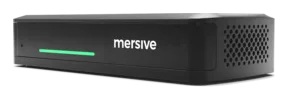
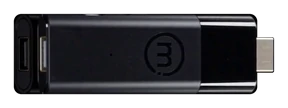
The workspace: where every share lands.
Not one mirrored screen but a live composite of every share in the meeting, side by side on the room display and in every participant’s browser. This is the multi-user screen sharing layer the rest of the platform exists to feed.
Every door leads here.
Web-join from any browser (no app, no download), AirPlay, Miracast, and Chromecast on the room network, the Mersive app on mobile; plus sources from other networks entirely via cross-network sharing. All at the same time, on the same workspace.
In the room — and in your browser.
The same workspace, two places at once: the room display renders it on the wall; app.mersive.com renders it for every seat, in the room or remote. No second-class views.
Four things a mirrored screen leaves on the table.
Composite, not mirror
Simultaneous live sources side by side (a deck, a browser tab, a camera feed, a dashboard).
The Dock
Layout, annotation, source handoff, and participant control, from any seat, on any device, not just the presenter’s.
Meeting parity
The display mirrors live to app.mersive.com, so remote participants see exactly what the room sees: their own screen, their own zoom, same content. We call it meeting parity, and we build it in.
It belongs to the room
The workspace is the room’s and the meeting’s, not whichever laptop happens to be open.
See the platform live.
Hardware trials ship for every product, direct from Mersive. When the rooms prove it, we introduce your regional partner for the rollout.
Start a trial Watch on YouTube ↗